

Devices & desktop app
Some work belongs on your machine. Connect a desktop or phone and Pulse can dispatch a task to it — for local files, local tools and device-specific context — while results report back into the same timeline.
Local work, same thread
A task that ran on your Mac reports into the timeline exactly like one that ran in the cloud.
Capability-scoped
Terminal, filesystem and browser capabilities are governed separately, with writes and commands defaulting to review.
Everywhere else too
Notifications, voice and approvals follow you across the desktop and mobile apps.
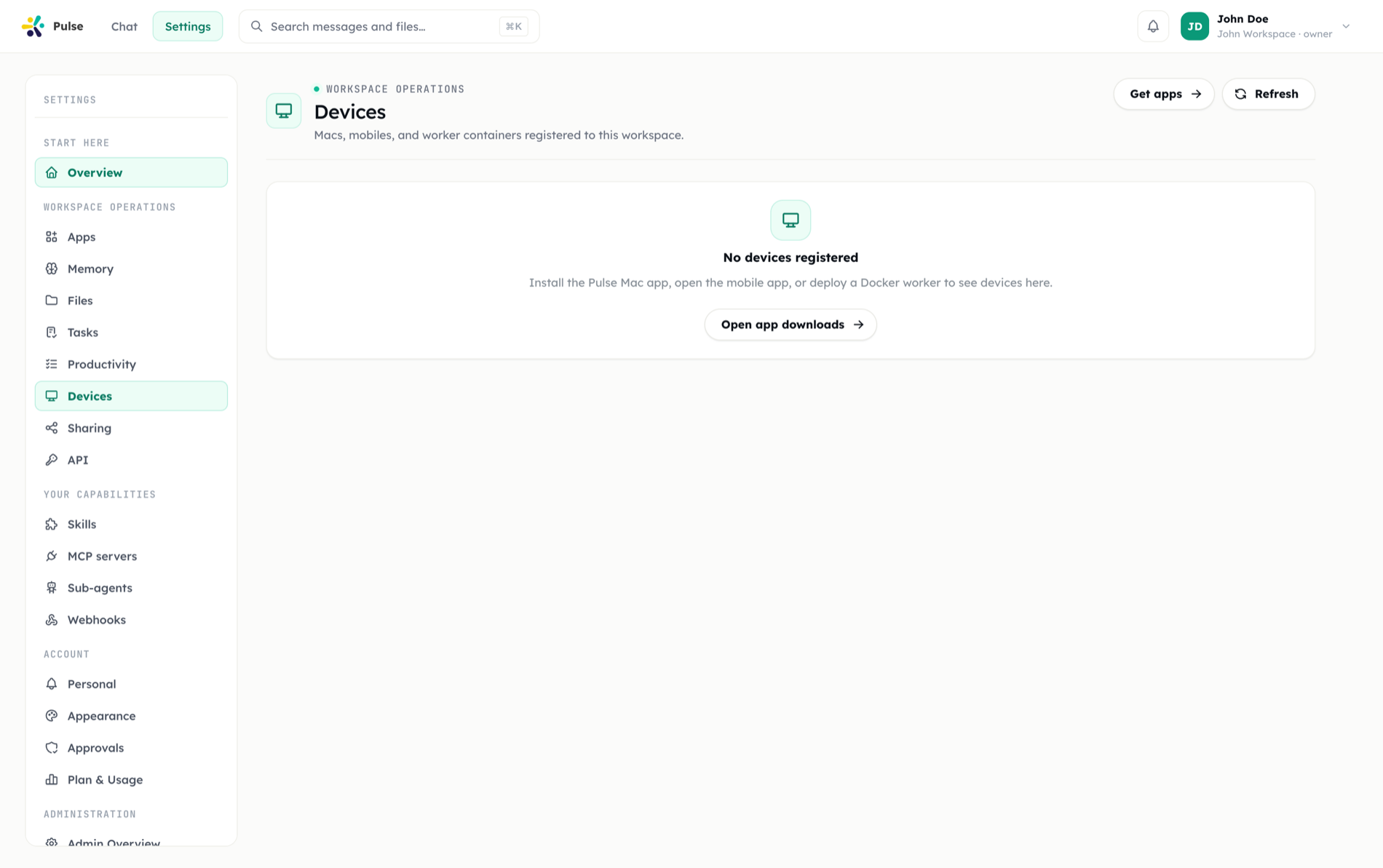
Pulse extends beyond the browser to the devices you actually work on. You can use connected desktop and mobile devices so tasks, files, notifications, voice, and approvals stay available where you need them.
On by default (September 2026)
The device agent and its local.browser capability are now enabled by default on new and existing setups — previously both were opt-in. Terminal, screen, and clipboard capabilities are unaffected and stay off by default.
Dispatching tasks to devices
The agent can send tasks to a specific device when the work belongs there. This is useful when the task depends on local files, local tools, or device-specific context.
Dispatched tasks report back into your timeline like any other task, so you see status and results in the same place regardless of where the work ran.
Local device work
Each connected device can receive assigned tasks and complete them on the device. This helps Pulse work with the files and context that already live on that machine.
INFO
Local device work lets Pulse act where your data already is. Work that needs the device's environment runs on the device; everything still coordinates through one timeline.
The desktop app
Pulse includes a native desktop app.
| Platform | Status |
|---|---|
| macOS | Native app |
| Windows | Planned |
| Linux | Planned |
The macOS app is the native desktop experience today, with support planned for Windows and Linux. The desktop app keeps your synced files available on the machine.
Mobile
Mobile devices support push notifications, voice mode, and approval requests. This lets important decisions reach you even when you are away from your desk.
Devices and the rest of Pulse
Devices tie together several parts of the product: dispatched tasks can run where the relevant files live, synced files stay current across each device with pin and conflict resolution, and mobile carries push, voice, and approvals. The result is one assistant that meets you on whichever device you are using.