

Tasks & automation
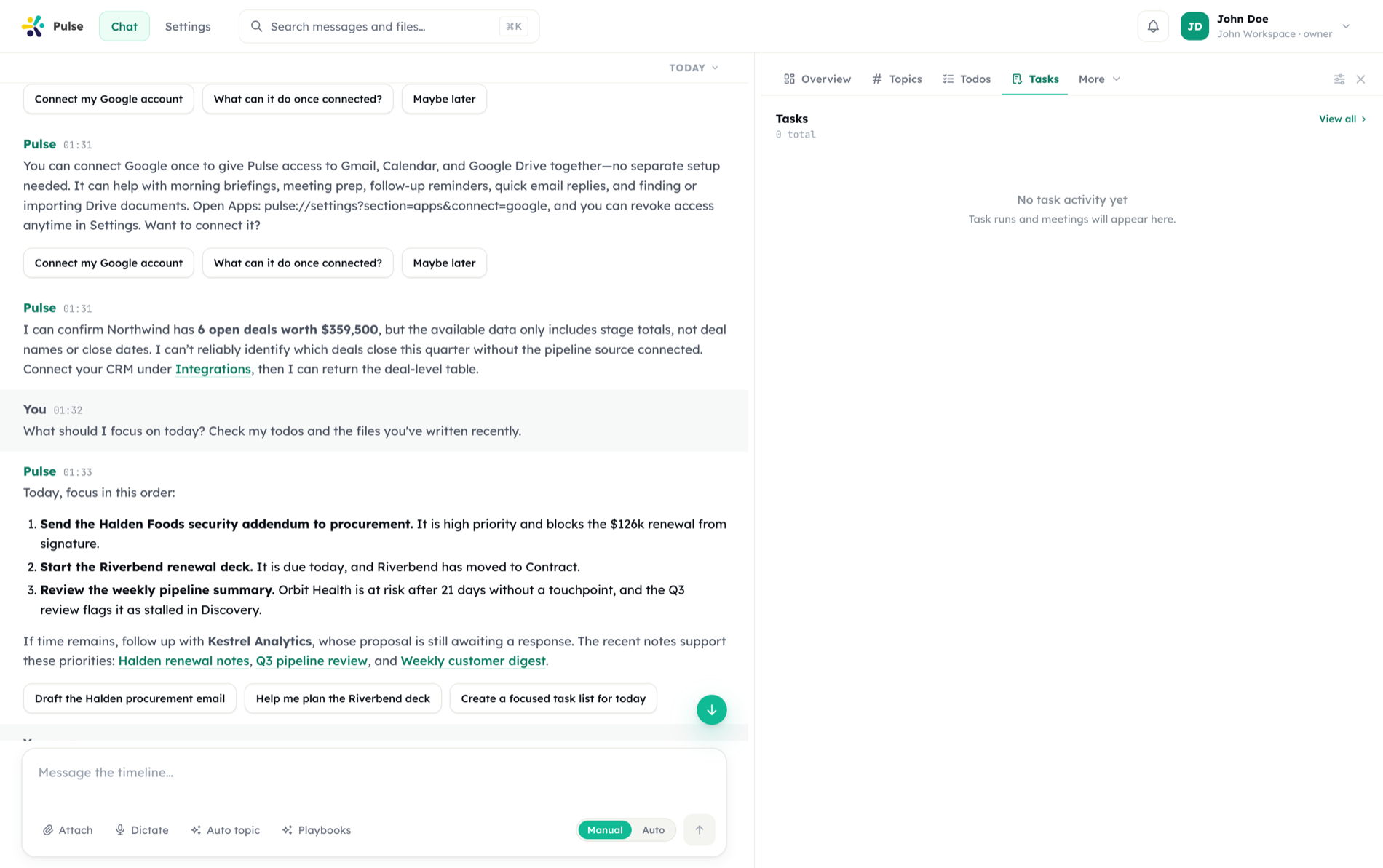
Ask once; it keeps working after you close the tab. Requests become tasks on a durable queue — now, later, or every weekday at nine — tracked end to end and reported back into your timeline.
Durable, not best-effort
Work survives a reload, a disconnect, and a restart. A failed run keeps its error rather than disappearing.
Three ways to schedule
Immediately, after a delay, or on a recurring schedule — with the same reporting for all three.
Results land where you asked
Progress and output return to the timeline, next to the request that started them.
Pulse turns requests into tasks that run on a durable queue. Whether work needs to happen now, later, or on a recurring schedule, it is tracked end to end and reported back into your timeline.
Scheduling modes
A task can run in three ways.
| Mode | When it runs | Typical use |
|---|---|---|
| Immediate | As soon as it is queued | "Summarize this thread now" |
| Delayed | After a set delay | "Send the recap in 30 minutes" |
| Cron | On a recurring schedule | "Every weekday at 9am, pull open Jira issues" |
Recurring tasks use standard cron expressions:
# At 09:00, Monday through Friday
0 9 * * 1-5

# Every 15 minutes
*/15 * * * *Queue and source of truth
Tasks are executed through a BullMQ queue, with PostgreSQL as the source of truth. The queue handles dispatch, retries, and concurrency; the database holds the authoritative record of every task and its runs.
This separation matters: if a worker restarts, the database still knows what was scheduled and what state each task was in. Nothing is lost to an in-memory queue.
Heavy or long-running tasks are picked up by the Worker Agent so the conversation stays responsive. See the timeline for how the Main Agent and Worker Agent divide work.
Run history
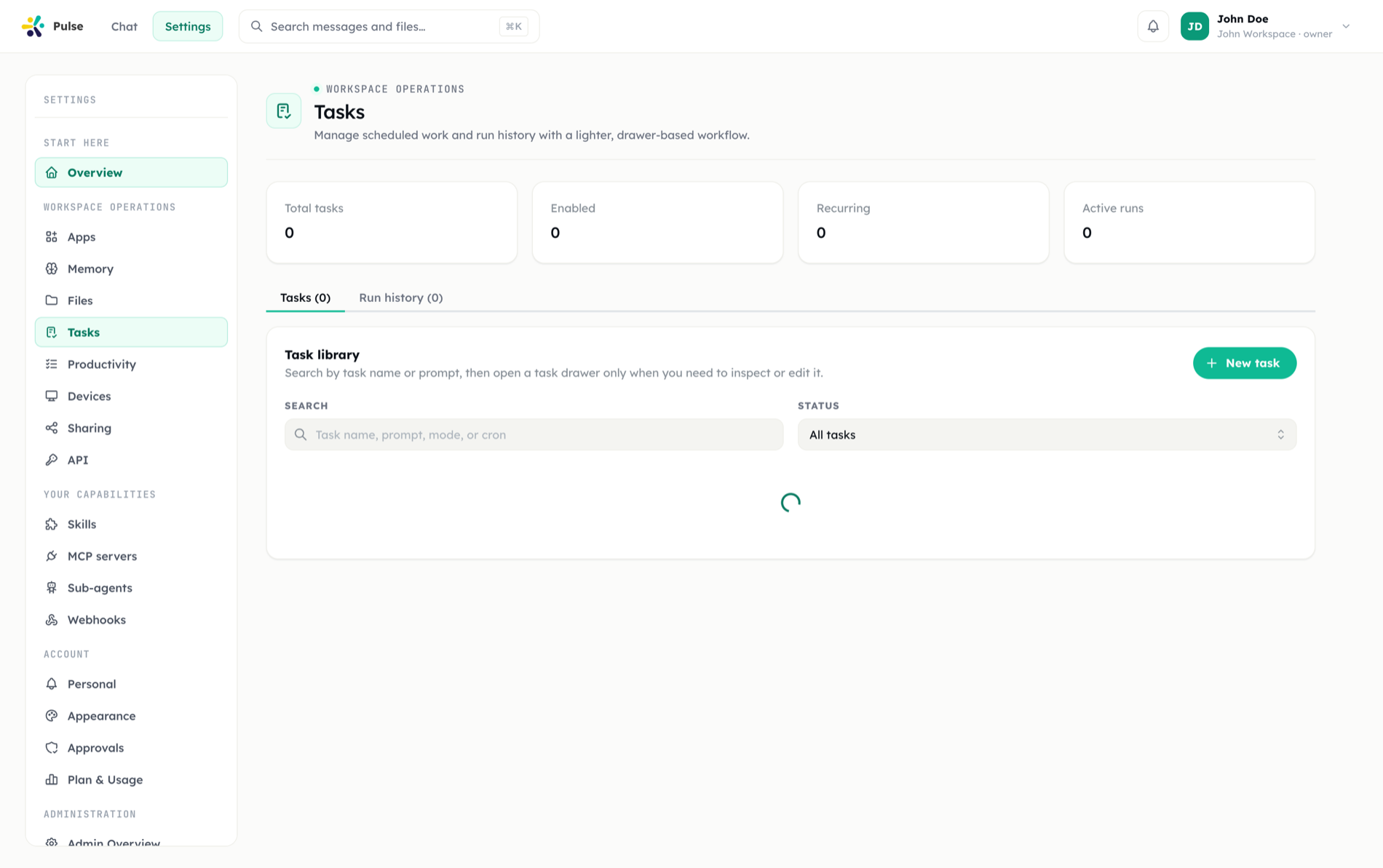
Every execution is recorded. For each task you can inspect its full run history:
- Status — queued, running, completed, or failed
- Duration — how long each run took
- Failure details — the error and context when a run does not succeed
Because runs are persisted, you can audit what a recurring task has done over time, spot a run that started failing, and understand why.
TIP
Pair scheduled tasks with approvals when a task performs a sensitive action. The task can run on schedule but pause for a human decision before the irreversible step.
Tasks and the timeline
Task updates are first-class timeline events. When a task progresses or completes, it posts back into the same thread you started it from, so results land in context rather than in a separate dashboard. You can still review and manage all tasks centrally from settings.
Failure handling
When a run fails, the failure is captured with its details and surfaced in both the run history and the timeline. Recurring tasks continue on their schedule; you decide whether to retry, adjust, or pause based on the recorded error.