

Skills
Packaged know-how, loaded when it is relevant. A skill carries how to approach a category of work — the steps, the tools, the conventions — so the same job comes out the same way every time, without bloating every conversation.
Loaded on demand
A skill's body is read when it is opened, not carried in every turn — so a large library costs nothing until it is used.
Background work, not chat style
Skills shape how tasks are executed. They do not change how the assistant talks to you in the timeline.
Distributed as apps
To give the team a skill, roll out the app that carries it — one rollout, one audience, one rollback.
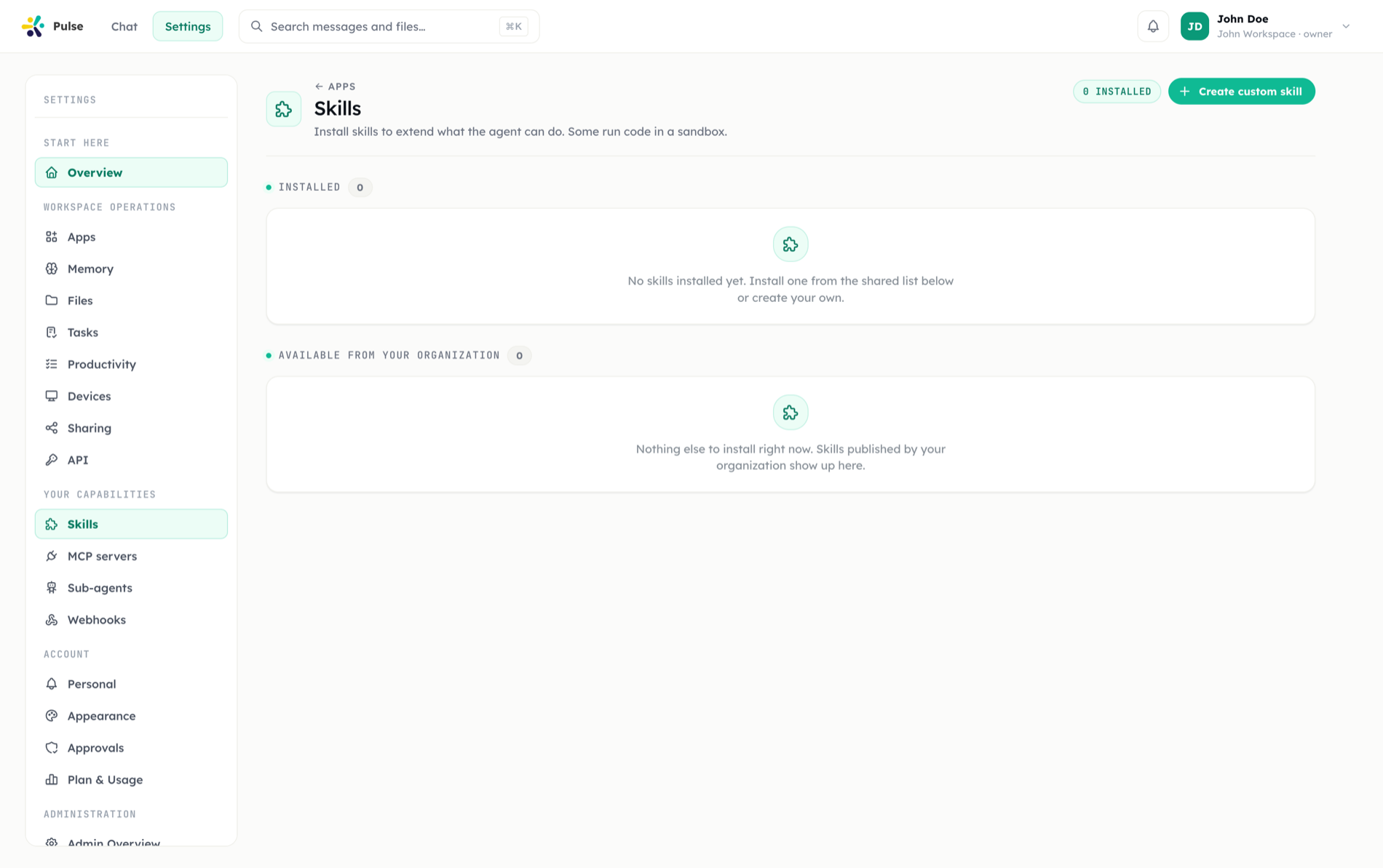
Skills are reusable execution capabilities Pulse draws on to do real work. They are loaded by the background workers that execute tasks, helping Pulse complete common categories of work consistently — drafting documents, creating artifacts, or preparing structured outputs.
What a skill is
A skill packages the know-how for a category of work — how to approach it, the steps it involves, and the tools it uses. Pulse includes 31+ skills covering a broad range of execution:
| Area | Examples |
|---|---|
| Work planning | Research, drafting, structured analysis |
| Documents | Document operations across formats |
| Integrations | Guided setup for connected tools |
| Web | Web artifact builders |
When the agent recognizes that a request matches a skill, it brings that capability to bear — producing a component, drafting a document, or preparing an integration workflow as appropriate.
Activation reliability pass (September 2026)
Keyword-based skill matching is now Turkish-locale-aware — capitalized Turkish words no longer break tokenization — and activation is more deterministic: skills marked to always activate can no longer be bumped out by a lower-priority automatic match. See the September 2026 release notes for the full list of fixes.
Progressive disclosure
Skills load on demand. The worker does not carry every skill's full detail in context at all times. Instead, it sees what skills exist, and loads a skill's capabilities only when a task actually needs them.
This progressive disclosure keeps the working context lean. The agent stays aware of its full toolbox without paying the context cost of every skill on every turn, which matters for the long-running timeline Pulse is built around.
INFO
Progressive disclosure is why Pulse can offer dozens of skills without overwhelming the agent's context. Capabilities expand into context exactly when they are relevant, then step back out.
Skills and artifacts
Many skills produce concrete output. The web artifact builders and document skills generate files and artifacts — React components, Markdown, office documents, and diagrams — that land in your workspace file system. Integration-oriented skills help connect work to the tools managed in Integrations.
How skills combine with the rest of Pulse
Skills are the execution layer beneath the agent's reasoning. The Main Agent decides what to do; skills define how a class of background work gets done; integrations give the workers reach into external systems; and tasks let that execution run in the background or on a schedule. A single request may invoke several skills in sequence.
Where skills come from
Skills reach a workspace in three ways:
- Built-in — the skill library that ships with Pulse.
- Authored — skills your organization writes for itself.
- From apps — an installed app can contribute skills alongside its tools and panels. This is also how an organization pushes a skill to the team: create an app, add the skill under it, and make the app required for the right audience. The app is the unit of rollout, audit, and rollback.
Managing skills
Skills are managed from settings, where you can review the available library for your workspace. App-contributed skills follow their app: disable the app and its skills stop being offered; skills you installed yourself remain yours even if an app that also carried them is removed.