

Configuring Text and Vector Search Weights
Configure text and vector search weights to optimize search results and tune response relevance based on exact keyword matching or semantic similarity.
Configuration Guide
1. Navigate to the Peer List
- From the dashboard, click on the Peer List section. This will display all the Peers you have created or installed from the gallery.
- Select the Peer for which you want to configure the search weights by clicking on its name.
2. Access the Peer Details
- Once inside the Peer’s settings, navigate to the Search tab.
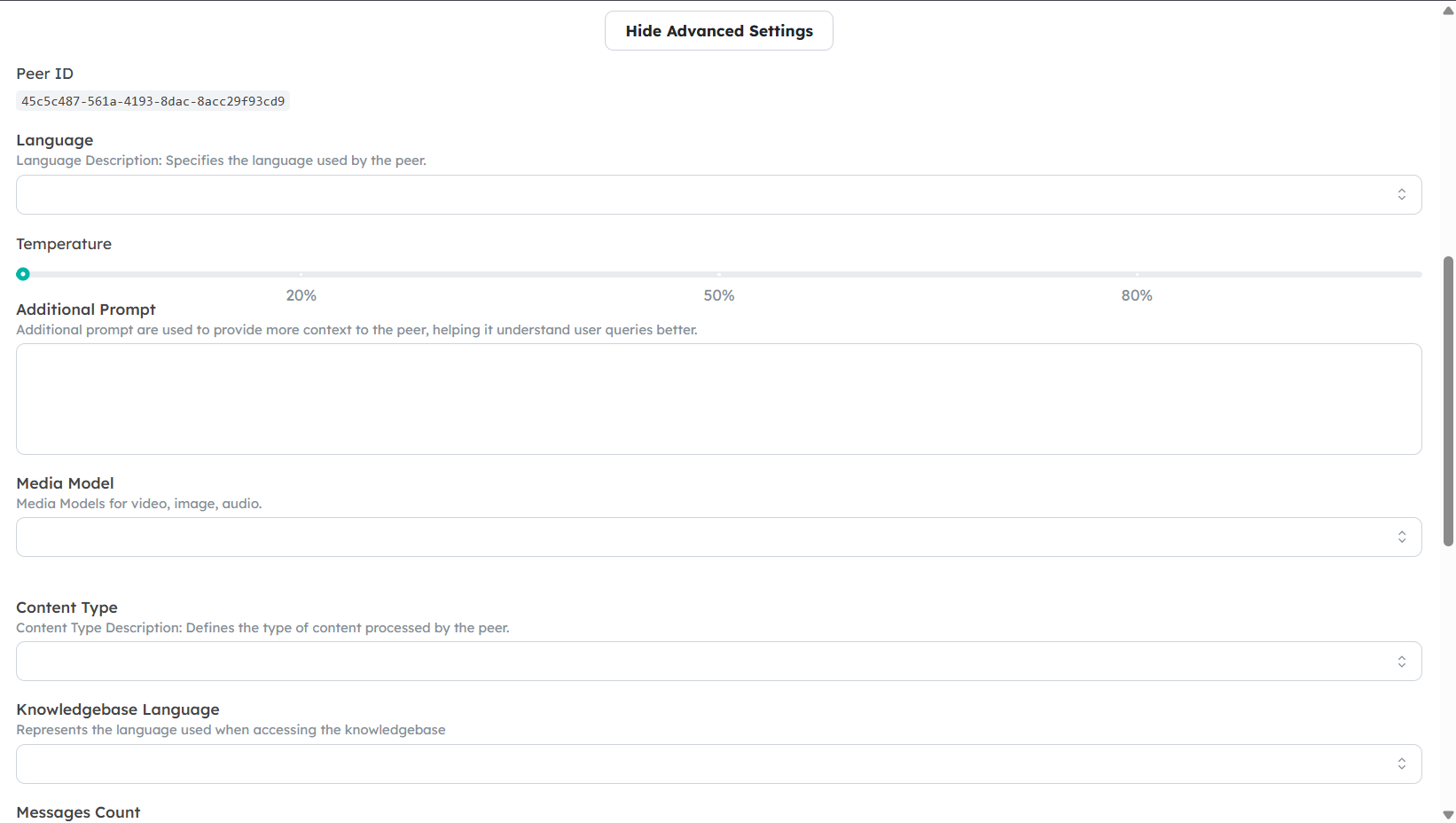
3. Locate the Search Weights Settings
- In the Search tab, configure:
- Knowledgebase Language: Preferred language of indexed KB content.
- Text Search Weight: Weight for keyword-based search results.
- Vector Search Weight: Weight for semantic results.
- Search Threshold: Minimum relevance score to include results.
- Search Limit: Max results to retrieve.
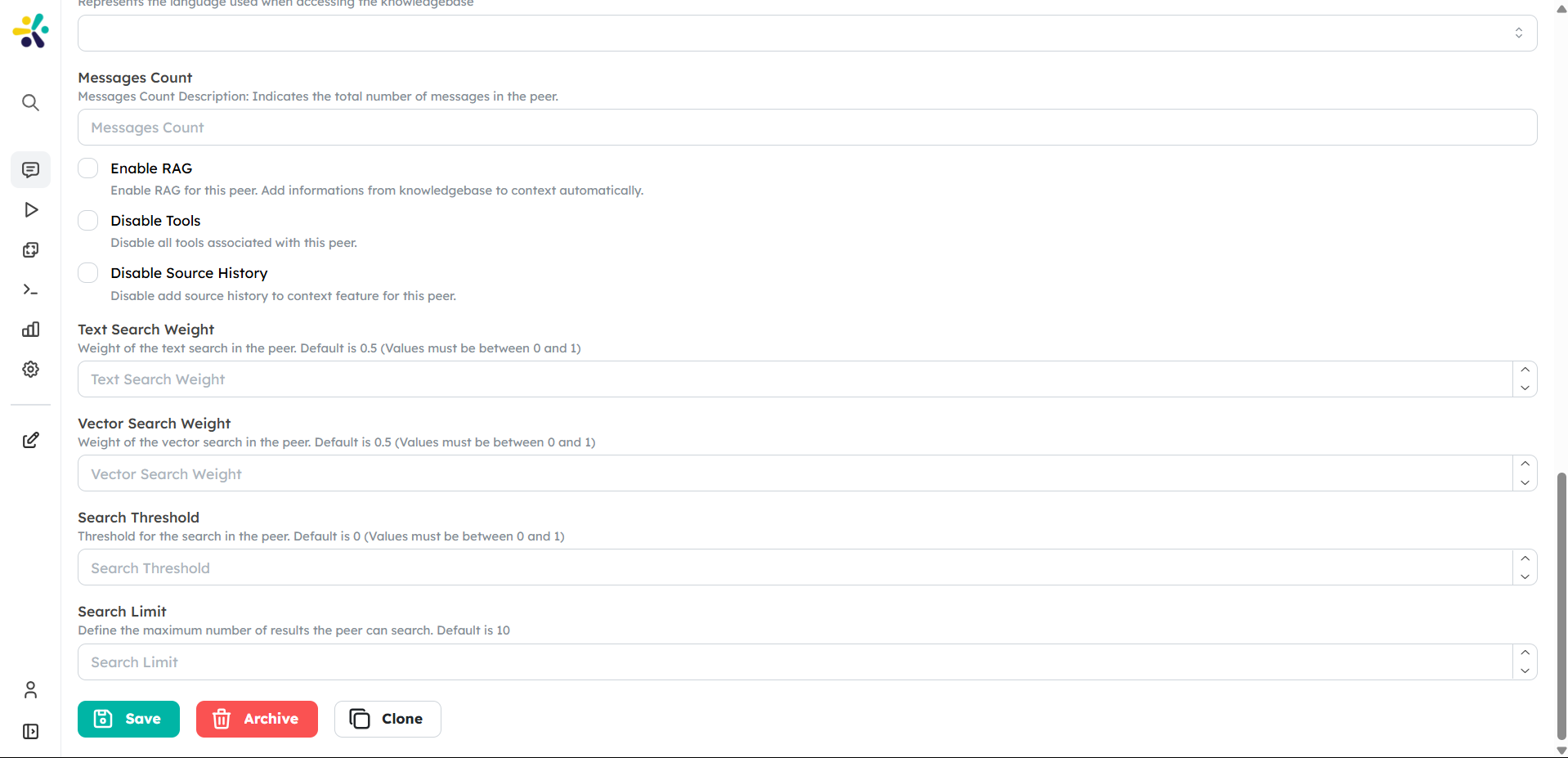
4. Adjust the Search Weights
- Adjust the Text Search Weight by entering a value between 0 and 1. A higher value will prioritize text-based search results.
- Adjust the Vector Search Weight by entering a value between 0 and 1. A higher value will prioritize vector-based search results.
Tip: If you want to balance both types of searches, you can set both weights to values that sum up to 1 (e.g., 0.5 for text and 0.5 for vector).
5. Save Your Changes
- After adjusting the weights, scroll down and click the Save button to apply the changes.
6. Test the Search Results
- Once the settings are saved, you can test the search results by interacting with your Peer in the Chat Interface.
- Ask questions or provide prompts to see how the Peer responds based on the new search weight configuration.
Understanding the Impact of Search Weights
- Text Search Weight: This setting is useful when you want your Peer to rely more on keyword-based matching. It is ideal for scenarios where exact matches are important, such as retrieving specific documents or FAQs.
- Vector Search Weight: This setting is useful when you want your Peer to understand the context and semantics of the query. It is ideal for more conversational or complex queries where the meaning behind the words is more important than the exact match.