

Flow Steps Overview
Steps are the building blocks of Flows in Cognipeer. Each step performs a specific function, from asking a language model to searching a datasource, collecting approval, or preparing a final response. This guide provides an overview of the step types available for building workflows.
Understanding Steps
Each step in a Flow:
- Accepts inputs either from Flow inputs or previous steps
- Performs a specific operation
- Produces outputs that can be used by subsequent steps
Steps are executed in sequence, creating a flow of operations that process data and produce results.
Available Step Types
Cognipeer offers a diverse range of step types to build powerful workflows:
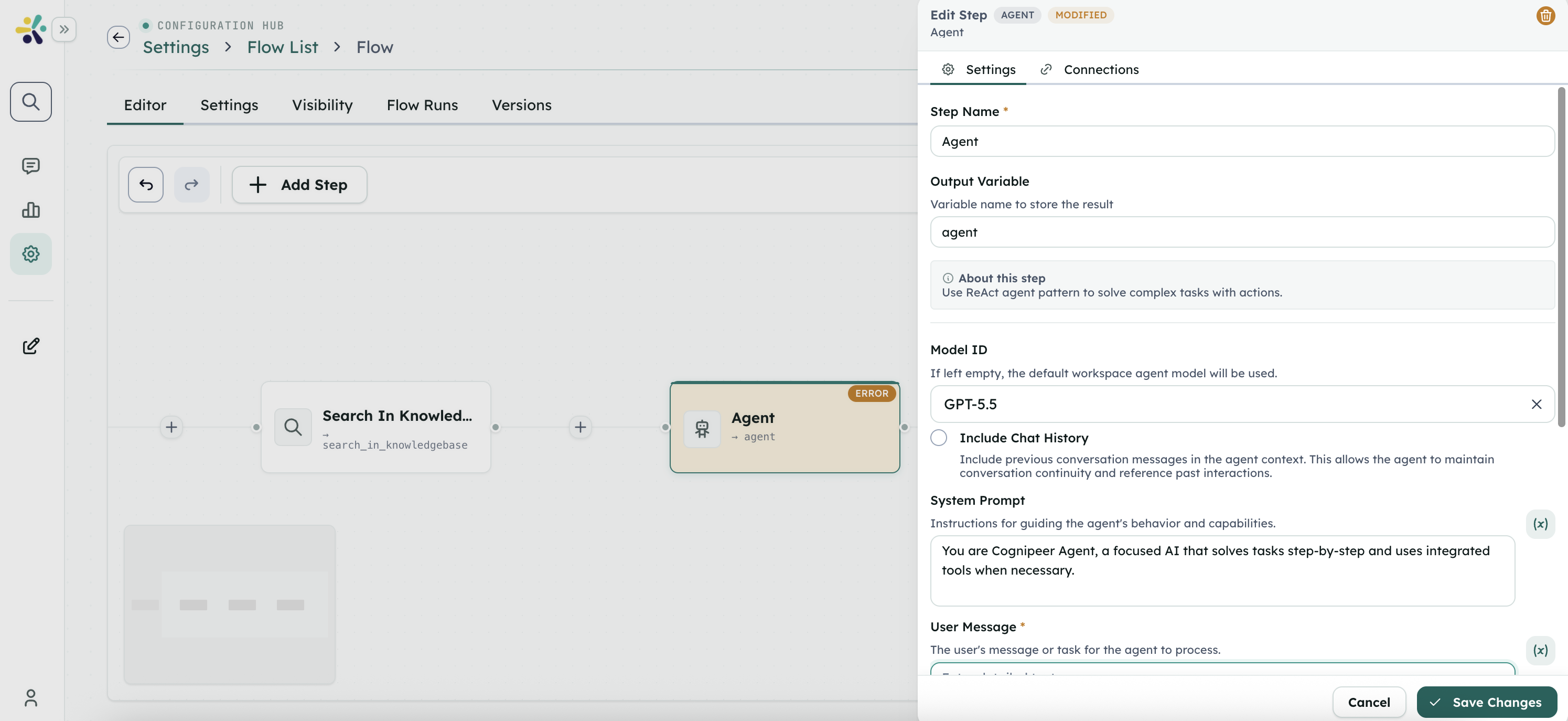
AI and Language Model Steps
Connected Client Actions
- Client Tool - Pause a Flow while a connected client action completes
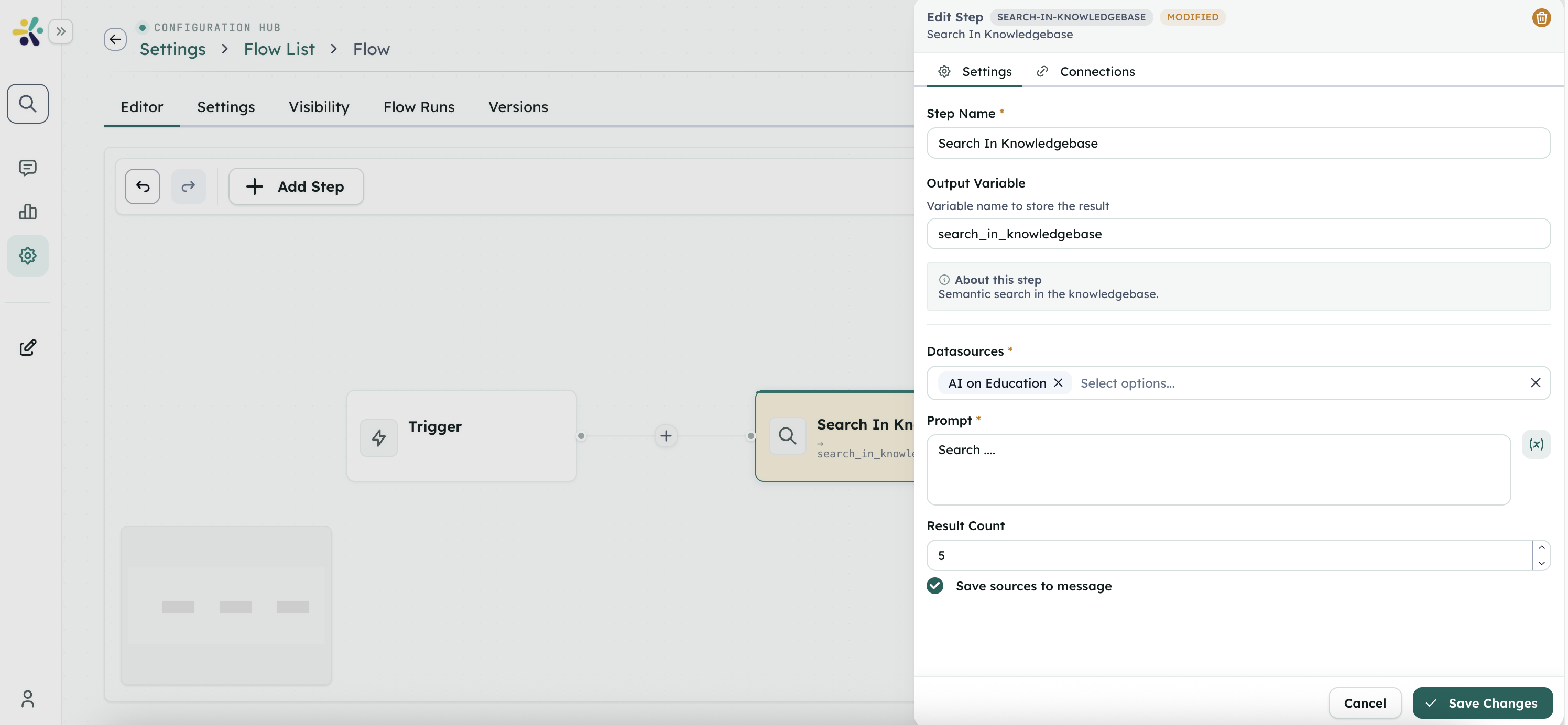
Data and Search Steps
Web and Internet Steps
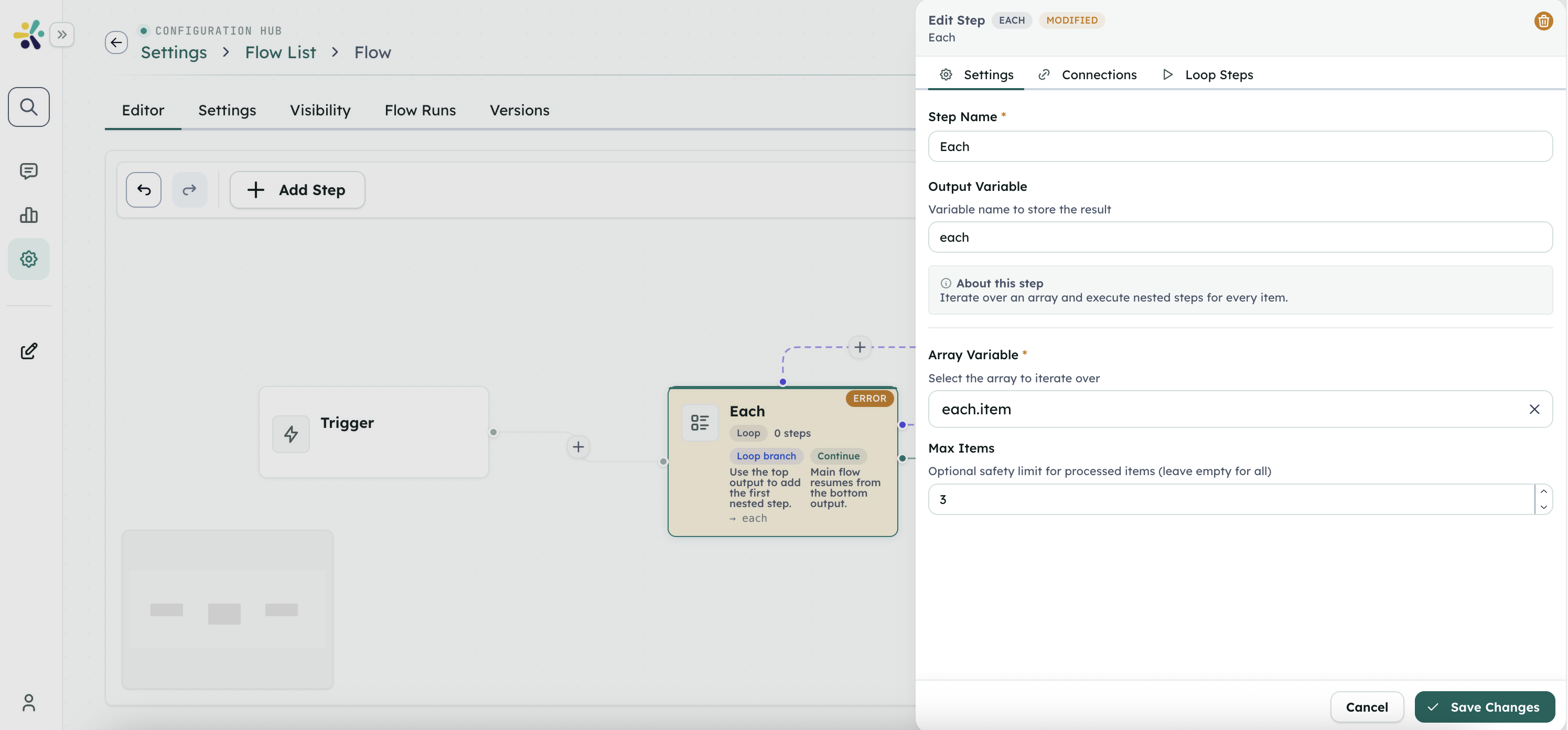
Workflow Control
Interaction and UI Steps
Utilities
- Execute Node.js
- Check Regex
- Read File
- Read File From URL
- Convert To Markdown
- Markdown to PDF
- Chunk Content
- JSON to Excel
- Save File
- Save Text File
- Set State
- String to JSON
- JSON to String
Variable Manipulation
Memory Management
Combining Steps
The power of Flows comes from combining multiple steps into cohesive workflows. Here are some common patterns:
Sequential Processing
The simplest pattern is sequential processing, where steps are executed one after another, with each step using the output of the previous step.
Example:
- A trigger starts the Flow with user-provided inputs.
- A data or tool step gathers supporting information.
- An AI step summarizes the result.
- A Final step returns the outcome.
Conditional Branching
Use the Condition step to branch Flows based on earlier outputs.
Data Enrichment
Combine search and AI steps to enrich data:
- Search Knowledgebase step retrieves relevant information
- Optional tool or web steps add supporting context
- Ask LLM step combines and synthesizes the information
Best Practices for Using Steps
- Start Simple: Begin with a few steps and test thoroughly before adding complexity
- Use Descriptive Names: Give each step a clear, descriptive name that indicates its purpose
- Plan Your Data Flow: Consider how data will flow between steps and what transformations are needed
- Handle Errors: Use Node.js steps to implement error handling where appropriate
- Test Incrementally: Test your workflow after adding each new step to identify issues early
Next Steps
Explore the detailed documentation for each step type to learn about their specific configurations, inputs, and outputs:
- See the step reference links above for detailed pages.
By understanding the capabilities of each step type, you can design effective workflows that automate tasks, integrate systems, and leverage AI to solve business problems.